Watch the one-minute walkthrough
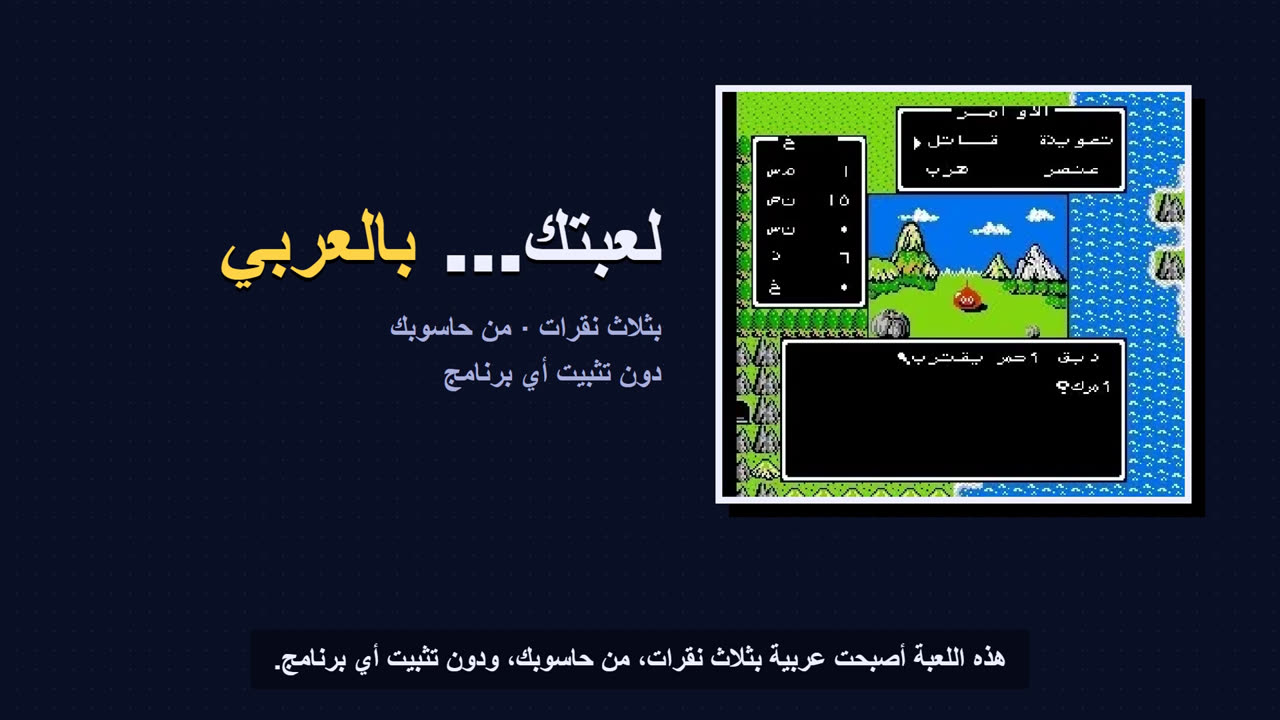
What do I need?
Your original game file and the patch made for it. The patch holds the changes the translation needs, not the whole game. Check the game’s platform, version and CRC32 checksum in the tool or in the project’s instructions.
- Open the project page and read the version requirements. PC translations may be installers or separate mods with their own instructions.
- For supported games, choose “Apply the translation” to open Athbi Patcher with the right game, or download the patch and apply it in the Patch Applier.
- Choose the game file from your device. The file is not uploaded; everything happens in your browser. Unzip the game first if it is inside an archive the tool doesn’t support.
- Check that the version matches. If the checksum differs, use the required copy instead of ignoring the error.
- Apply the patch, then press save. Keep the original separate, and open the new file in a suitable emulator.
Got a patch from somewhere else?
If you have a patch that isn’t an AthbiStudio release, such as IPS, BPS or xdelta, apply it in the Patch Applier: choose the patch, then the game file, then save the new copy. Everything happens on your device.
On iPhone and iPad
Save your files in the Files app first. When patching is done, use the save button, or the share button if there is one, then choose “Save to Files”. Where the download appears depends on the browser and system settings. Keep the page open until it finishes.
On Android and computers
Choose the file from your file manager, then save the result with the download button. The browser may ask where to save it or put it in your Downloads folder. The tool doesn’t need access to browse your folders.
Large files
Patching needs more memory than the size of the file itself. If the browser stops or refuses the file, try a computer with more memory, or a local patching program for that patch format. No single size is guaranteed to work on every phone.
The result doesn’t work?
Check the game’s name, region, version and checksum, and make sure the original file hasn’t been modified. A different SNES header is a possible cause, which the engine handles only when the patch data allows it. Some games have several files or special instructions; read the project page before you start.
The historical translation guide and its tools · Contact AthbiStudio